Hello,
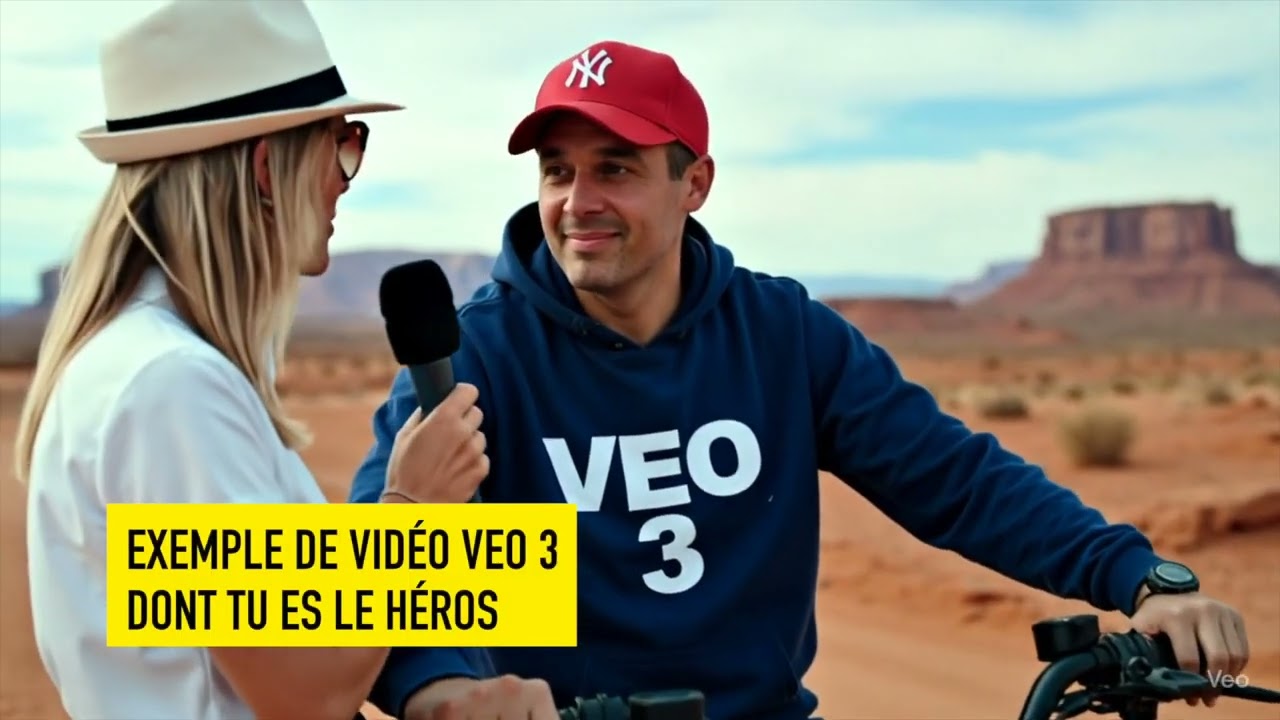
Je viens de partager sur Youtube quelques techniques de prompting pour réussir toutes tes vidéos VEO 3 à partir d’une image.
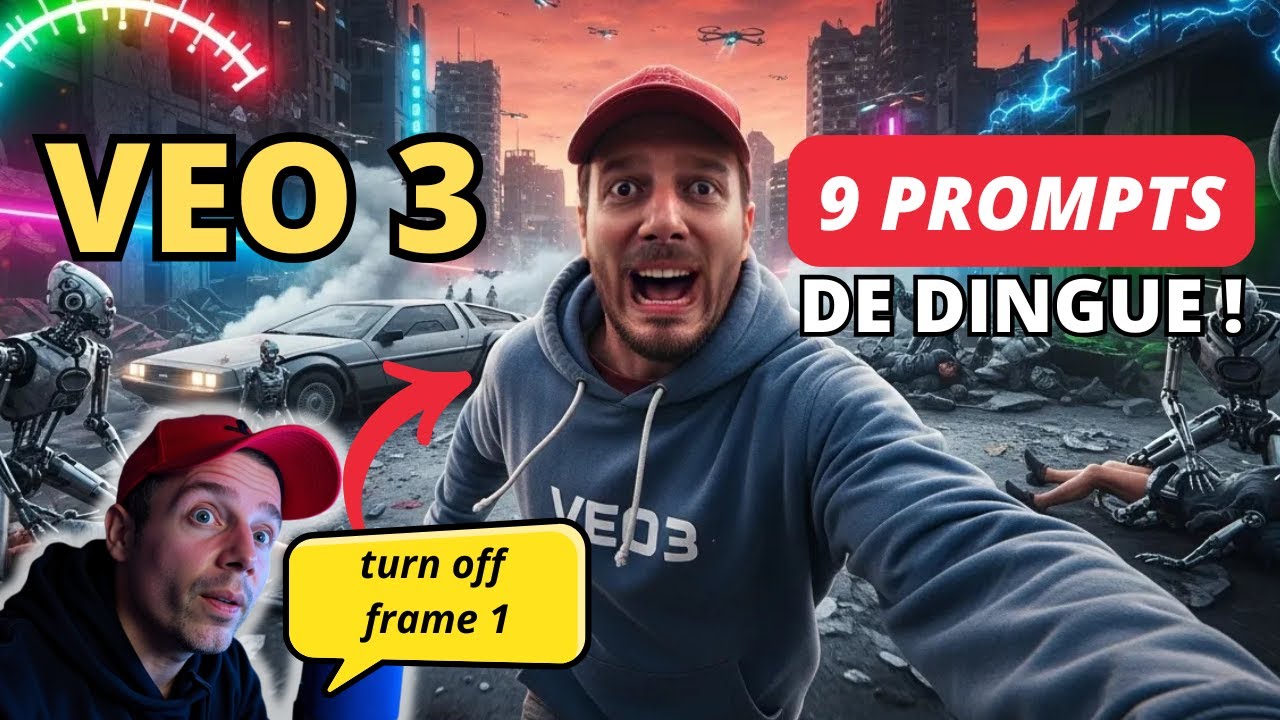
Comment accéder à VEO 3 sans limites depuis la France ?
VEO 3 est désormais disponible en France et en Europe, mais avec quelques restrictions dues au RGPD et à l’IA Act. Par exemple, il n’est pas possible de télécharger sa propre image. Voici comment contourner ces limitations :
-
Fais toi passer pour un américain : Pour profiter de toutes les fonctionnalités, comme l’import de tes propres photos dans Gemini ou visages dans Flow, il est conseillé de faire croire à Google que tu te connectes depuis les États-Unis. Je ne peux pas détailler la procédure ici, mais un simple prompt sur ChatGPT te donnera la solution

-
Abonne-toi à Google AI Pro : Un compte Google AI Pro est nécessaire. Le premier mois est offert, ce qui te permet de tester le service. Cet abonnement te donne droit à la création de trois vidéos VEO 3 par jour.
-
Passe par l’interface Gemini : Rends-toi sur gemini.google.com et sélectionne l’onglet « Vidéo ». Si ta localisation est bien aux États-Unis, tu auras la possibilité d’ajouter tes propres images.
-
Utilise Flow pour avoir 50 vidéos de +: Flow.google te permet de créer plus de 3 vidéos par jour grâce à un système de crédits (1000 crédits permettent de générer environ 50 vidéos VEO 3 Fast par mois).
Les 7 techniques pour bien prompter VEO 3
Pour obtenir des résultats bluffants, un bon prompt doit être bien structuré :
-
Sujet : Décris précisément l’objet, la personne ou l’animal au centre de ta vidéo.
-
Contexte : Situe la scène, raconte une histoire.
-
Action : Indique ce que fait le sujet : marche, court, se dirige d’un point A à B.
-
Style : Choisis une esthétique (réaliste, cartoon, film d’horreur…).
-
Mouvements de caméra : Anime ta scène avec des zooms, des travellings, etc.
-
Composition : Décris les éléments présents dans le plan (ex TV, bureau, Livre rouge,…).
-
Ambiance sonore / discours : Décris par des prompts les discours, musique, raps,…
Conseil : Rédige tes prompts en anglais pour de meilleurs résultats, car VEO 3 a été principalement entraîné dans cette langue. Tu peux mettre tes discours entre « » en français, en l’introduisant en anglais.
Ex:
He says in French with a Parisian accent: “Les gars, on a fait trop confiance à ChatGPT, maintenant c’est la machine qui domine.”
Le « Parisian accent » évite l’accent québecquois.
Si tu veux approfondir, je te renvoie sur ce guide de prompting vidéo rédigé par Google.
Personnalise tes prompts facilement
Pour adapter les prompts que je te propose, n’hésite pas à utiliser des outils comme ChatGPT ou Le Chat Mistral. Demande-leur simplement de modifier un prompt en y ajoutant tes propres idées.
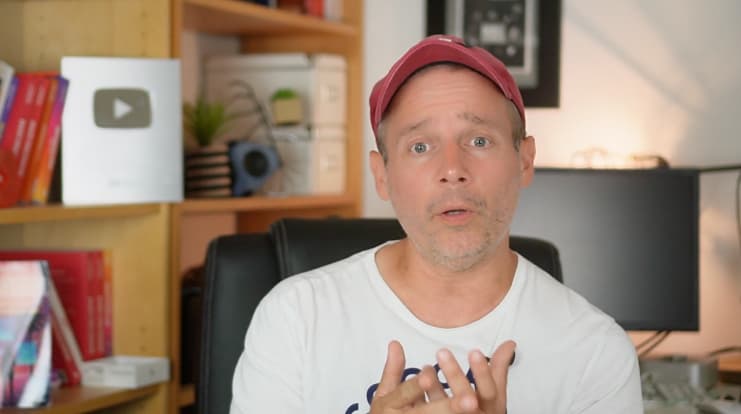
Pour les trucages photo (image to video), je te recommande Flux Kontext , accessible via Le Chat ou ici sur Hugging Face.
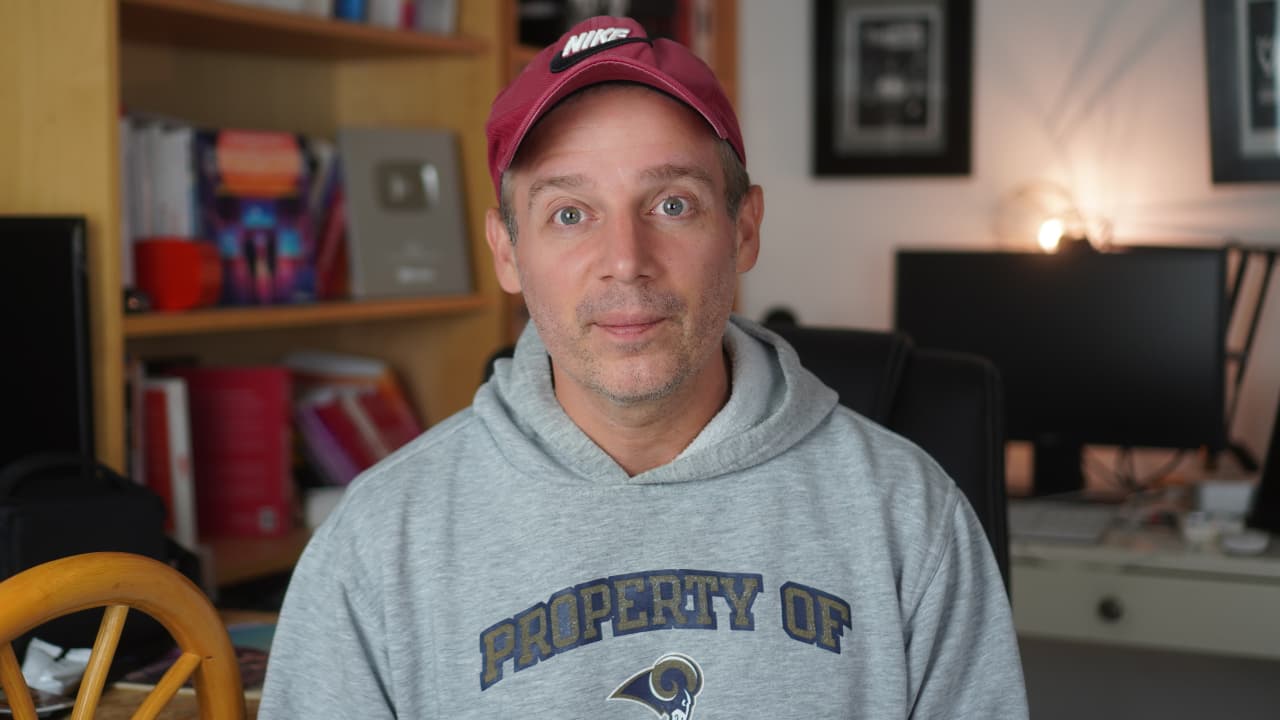
Avant
Après
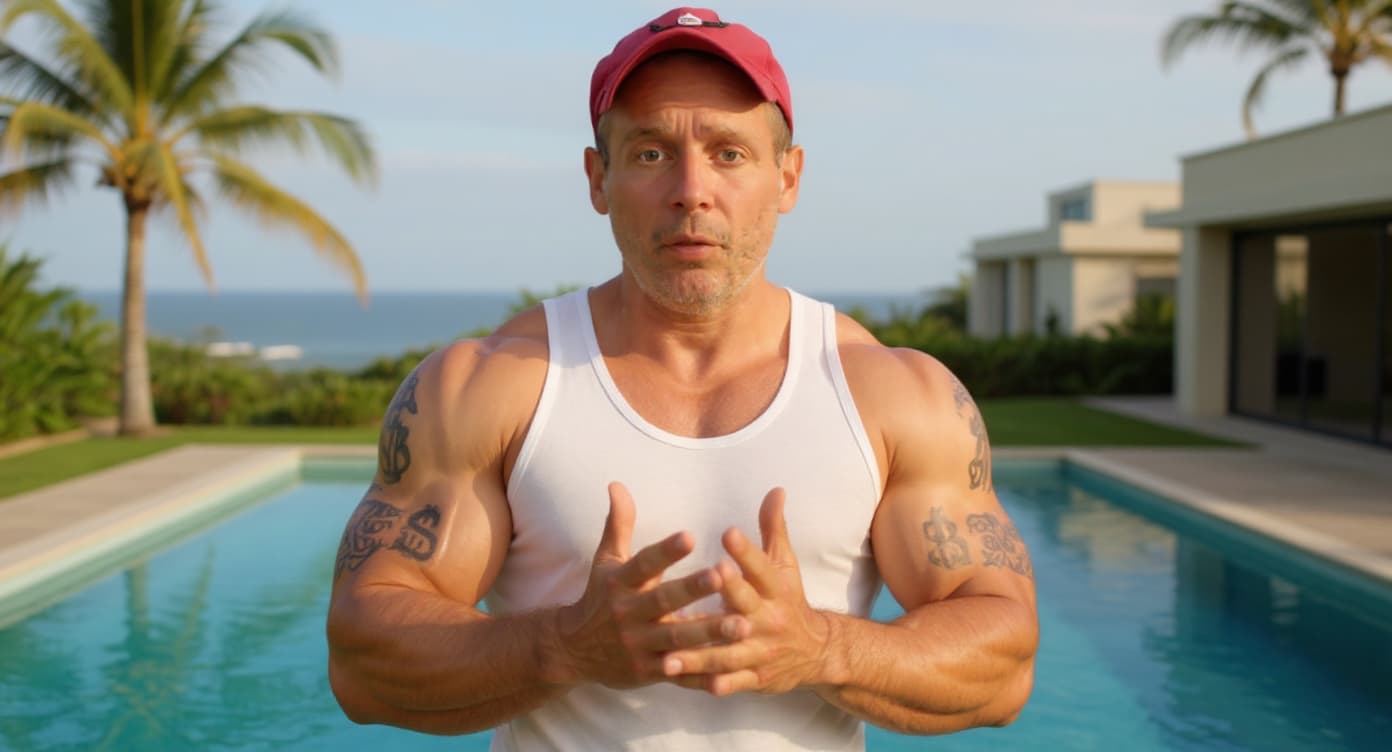
Le prompt :
Replace the man’s outfit with a sleeveless white tank top. Turn his red cap backward. Add exaggerated, muscular arms with visible tattoos (tribal and dollar sign motifs). Make his skin tone slightly tanned. In the background, replace the current office setting with a luxurious infinity pool overlooking a tropical landscape. Add palm trees and a modern villa in the distance. The result should look like a fake “online entrepreneur” lifestyle photo — clearly artificial and over-the-top.
Les 9 Prompts VEO 3 pour des vidéos virales
Prompt 1 : L’interview humoristique
https://x.com/IamEmily2050/status/1931144752181006707
A ma sauce anti vendeur de rêves :
A 4K photorealistic handheld video of a street interview on a busy Parisian sidewalk in the afternoon. A charismatic French journalist wearing a black jacket, holding a microphone labeled “VEO3” stops a confident man in his 40s — it’s Jeanviet, the Tech Youtubeur, wearing a blue hoodie with “Jeanviet” written on it and a red cap. The journalist leans in with a curious smile and asks in French with a Parisian accent: “Jeanviet, c’est quoi le comble du comble sur les réseaux ?”
Jeanviet smirks, then replies in French with a Parisian accent: “Un gars qui fait 500 € avec une vidéo TikTok qui buzze par hasard… et qui te vend une formation à 1497 € pour refaire ça tous les jours.” His tone is ironic, with a raised eyebrow and a quick glance to the camera at the end.
The handheld camera gently adjusts focus as pedestrians pass by behind them. Background includes Parisian cafés, street art murals, scooters, and soft golden-hour lighting casting natural urban glow across their faces. Ambient audio includes light city noise: footsteps, soft traffic, and distant conversation.
Prompt 2 : Le déballage « setup de YouTuber »
https://x.com/minchoi/status/1947141908083679469
A ma sauce Youtubeur :
metadata:
prompt_name: « Amazon Box YouTuber Setup »
base_style: « cinematic, photorealistic, 4K »
aspect_ratio: « 16:9 »
room_description: « Modern YouTube tech studio, with LED light panels, a large wooden desk, bookshelves, and a white wall with acoustic panels. Soft RGB lighting in blue and purple hues. »
camera_setup: « A single, fixed, wide-angle shot. The camera does not move for the entire 8-second duration. »
key_elements:
- « A large sealed Amazon box with the Amazon logo clearly visible »
- « YouTuber standing in front of the box wearing a red cap and blue hoodie with ‹ Jeanviet › written on it »
assembled_elements:
- « ultrawide monitor with RGB backlight »
- « high-end microphone on boom arm »
- « mechanical keyboard with RGB lighting »
- « professional camera on tripod »
- « gaming chair »
- « studio lights »
- « open laptop with editing software on screen »
- « YouTube silver play button on shelf »
- « books and gadgets neatly arranged »
- « decorative LED signs »
negative_prompts: [« no clutter », « no other people », « no text overlays », « no flashy transitions », « no cartoonish elements »]timeline:
sequence: 1
timestamp: « 00:00-00:01 »
action: « In the center of the sleek tech studio, a sealed Amazon box sits on the floor. The YouTuber (wearing a red cap and blue hoodie) steps into frame, looking curiously at the box. »
audio: « Low ambient hum of tech gear. A subtle mechanical whirring begins. »sequence: 2
timestamp: « 00:01-00:02 »
action: « The box shakes slightly. The YouTuber takes a small step back, surprised. Suddenly, the box bursts open with a flash of light and a puff of cardboard dust. »
audio: « Sharp ‹ POP ›, followed by cardboard tearing and a digital chime. »sequence: 3
timestamp: « 00:02-00:06 »
action: « Hyper-lapse: Tech gear and studio elements fly out of the box and rapidly assemble into a full YouTube setup. The YouTuber watches in awe as items snap into place around him. »
audio: « Fast-paced ASMR clicks, whooshes, and mechanical assembly sounds synced to the movement. »sequence: 4
timestamp: « 00:06-00:08 »
action: « The final item—a glowing LED sign reading ‹ Live ›—switches on. The YouTuber smiles, puts on his headset, and sits at the desk. The setup is complete and ready to stream. »
audio: « All sounds fade. A soft ‹ click › of the sign lighting up, followed by a calm ambient tech vibe. »
Prompt 3 : Rejouer un film façon théâtre
https://x.com/emollick/status/1946406544171569438
« [video game] as a community theater production »
Prompt 4 : Le selfie du voyageur temporel
https://x.com/azed_ai/status/1941893771526123713
L’apocalypse en 2049, l’IA nous domine
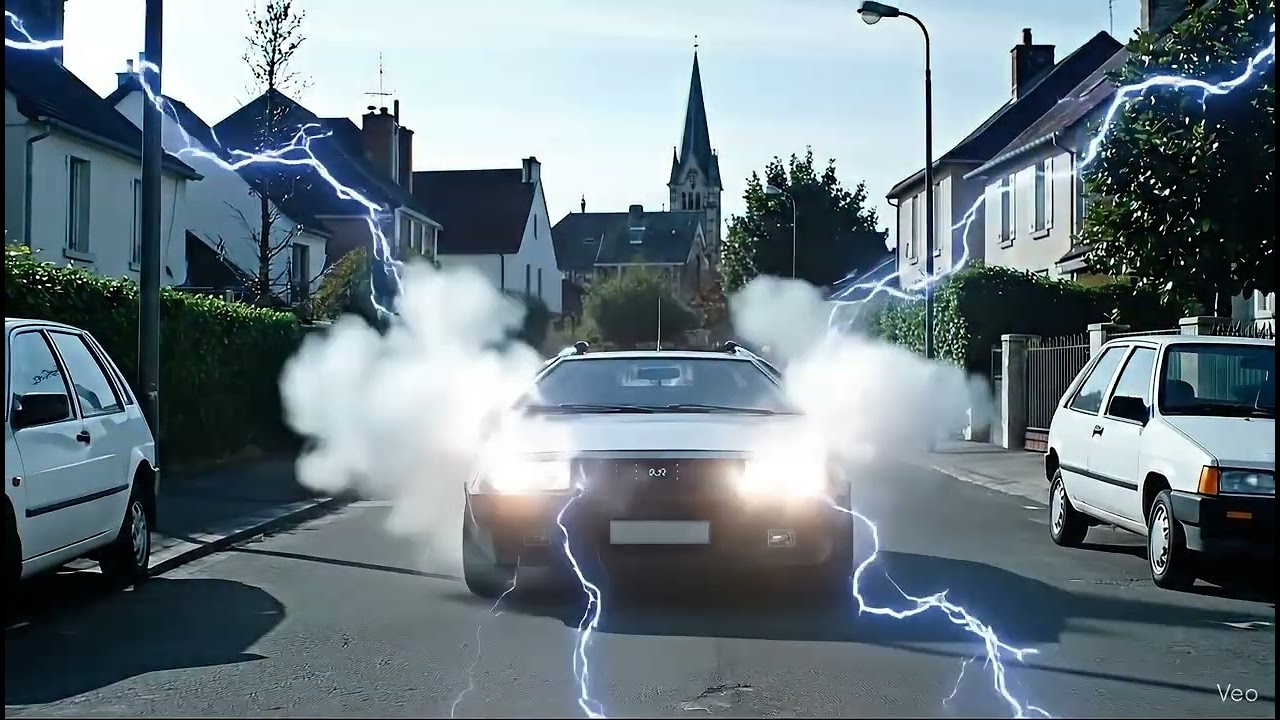
A selfie-style vlog shot, handheld, slightly downward angle. Jeanviet, a rugged tech YouTuber, wears a worn red cap and a dusty blue hoodie with “Jeanviet” barely visible. Behind him, a destroyed futuristic cityscape glows with flickering neon lights. In the distance, a smoke-covered DeLorean sits abandoned. Robots patrol the ruins, some sitting on humans on all fours like chairs. A glowing time gauge in the top-left corner reads: “Temporal Coordinates: 21 Oct 2049 – 15:45” in retro-futuristic font, like Back to the Future. Jeanviet, looking into the camera with a mix of sarcasm and regret, says in French with a Parisian accent: “Les gars, on a fait trop confiance à ChatGPT, maintenant c’est la machine qui domine.” The sky is dark red, drones buzz overhead, and the air hums with mechanical tension.
Prompt 5 : Changer de réalité à partir d’une photo
https://x.com/MartinNebelong/status/1948276386478579957
Avec cette photo
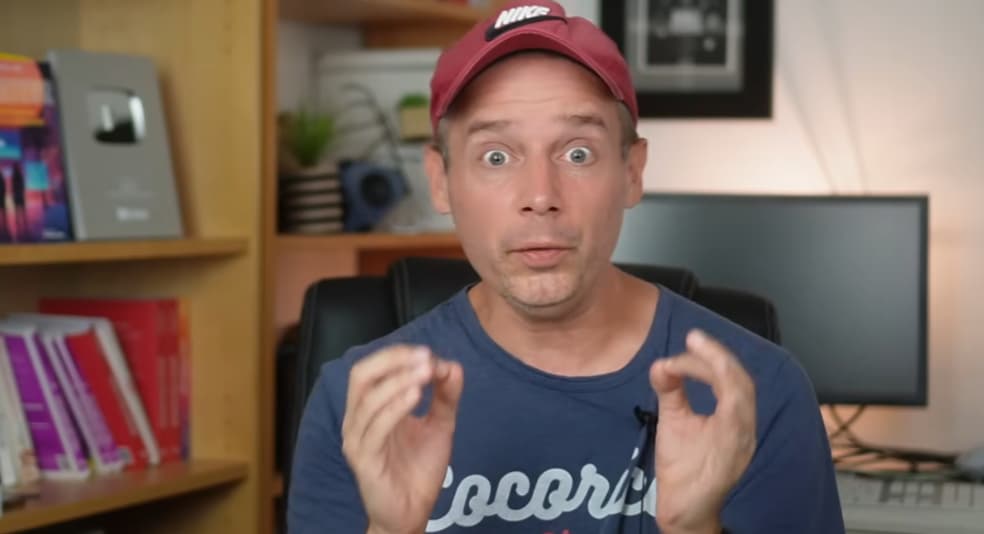
Et ce prompt, je vais chez Youtube chercher ma Youtube money
Instantly turn off frame 1. New Reality: The man walks through the halls of Google’s headquarters in Mountain View, searching for a red YouTube briefcase. He speaks in French with a Parisian accent, saying, « Où est ma YouTube money? » He finds the briefcase in the CEO’s office, opens it, and sees only five $100 bills inside.
Prompt 6 : Vue à la 3ème personne (jeu vidéo)
https://x.com/minchoi/status/1948605470689870111
Moi dans GTA V
Third-person view, over-the-shoulder camera, white male wearing a red cap and blue hoodie with “Jeanviet” written on it, video game style graphics like GTA V, Los Angeles streets, palm trees, neon lights, cinematic lighting, dramatic sunset. He’s sprinting down a busy urban street, chasing a thief who just stole his bright red YouTube briefcase with a white play button logo on it. The thief is wearing black hoodie and jeans. The man yells “Give me my YouTube money back!” while dodging pedestrians and jumping over obstacles like trash cans and cars. On-screen elements: mini-map, stamina bar, mission text “Recover Your YouTube Briefcase!”, police sirens faintly heard in the background. Stylized motion blur and dynamic shadows, 4K ultra-realistic video game render.
Prompt 7 : Devenir la star d’un film (avec Flux Kontext)
Avec cette photo de Tony Montana retouché
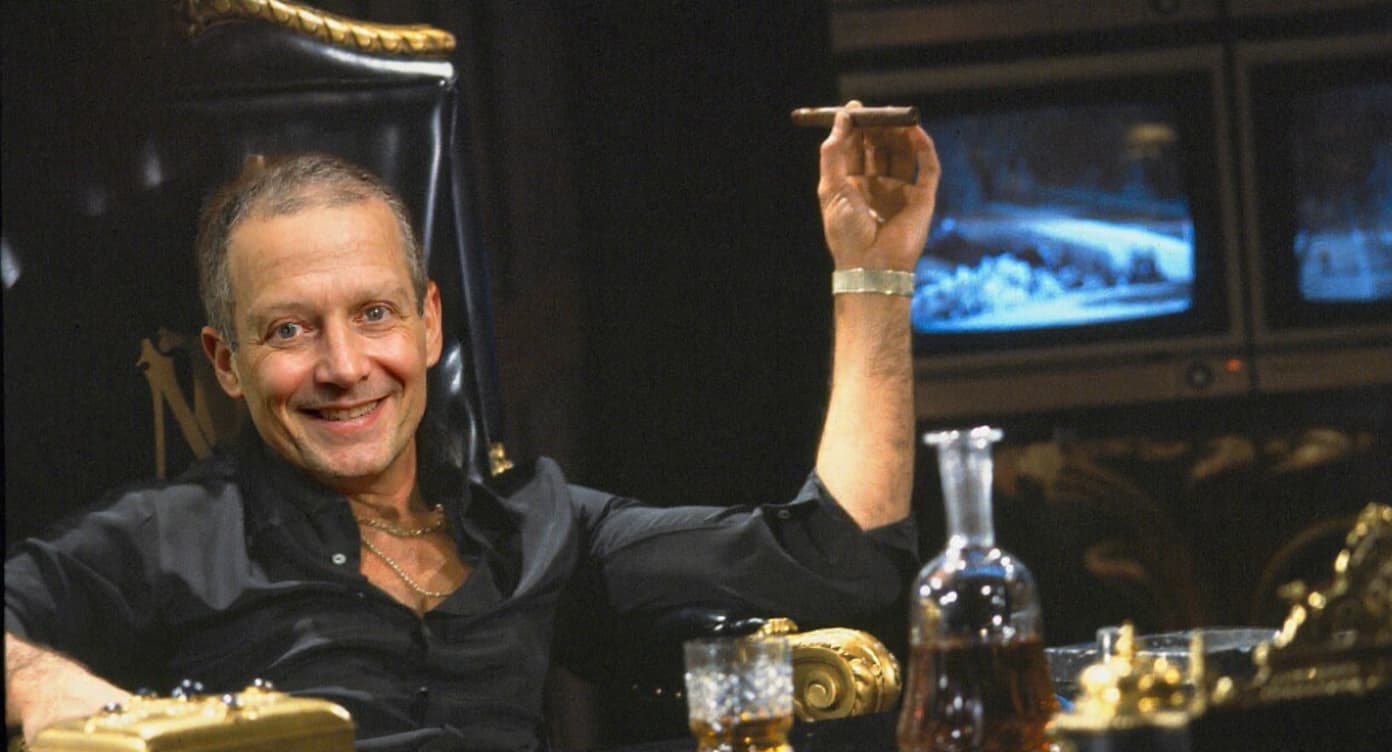
Et ce prompt, je suis la star de Scarface
In a dimly lit, luxurious room, a man lounges on a plush chair, exuding confidence and power. He smokes a cigar, takes a sip from his glass of whiskey, and then opens a golden box to his left. He pulls out a stack of $100 bills. The camera zooms in on his face as he says in French with a cuban accent, « Elle est ici Jeanviet toute ta Youtube money » The atmosphere is filled with a sense of triumph and opulence, highlighting his success and dominance
Prompt 8 : Animer une image avec des annotations
https://x.com/venturetwins/status/1948771505783144641
Mon image avec annotation
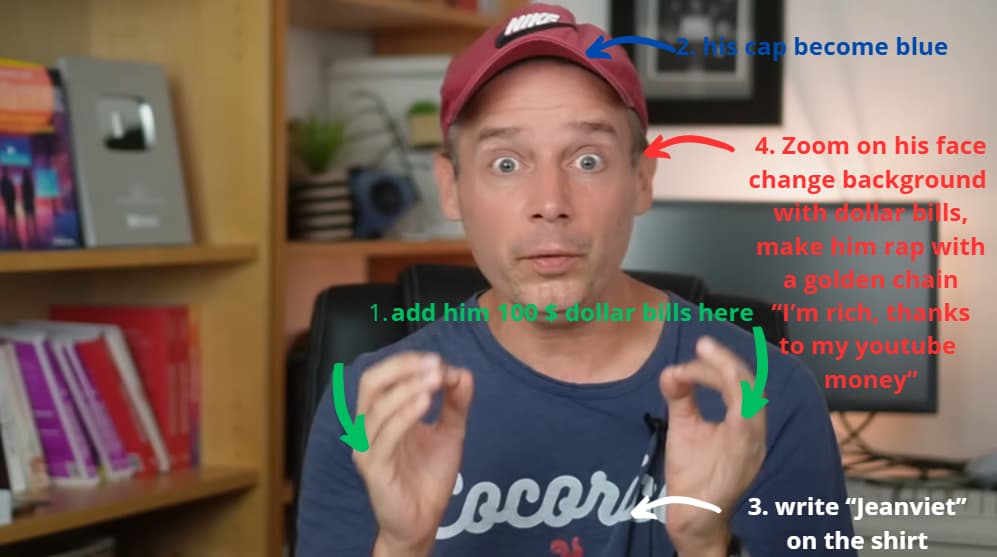
Avec ce prompt :
immediately delete instructions with arrows on the first frame and execute in order
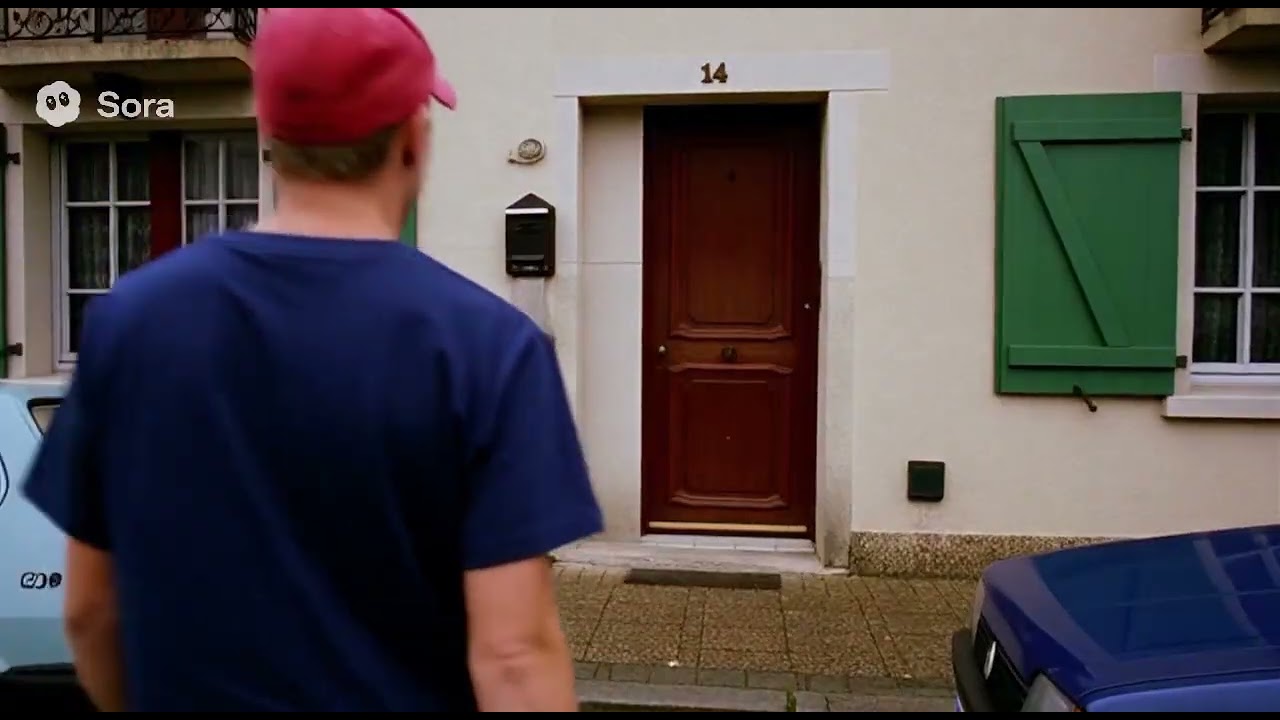
 j’aurais bien aimé vous le montrer ici. Mais je ne sais pas. Bon pas grave. Merci pour ta réactivité encore !!! Et régale nous encore avec tes vidéos